
You don’t have a creativity problem — you have a bandwidth problem.
If you’re a serious creator or marketer, you already know the grind. The feed never sleeps. Trends don’t wait. And the pressure to post daily is relentless. That’s exactly why AI Content Creation Tools have become a competitive advantage — not a shortcut, not a gimmick, but a survival system.
The right tools don’t replace your voice. They remove the friction that’s draining it.
In this guide, you’ll see what’s actually working in 2026, which tools deserve your budget, and how to build a workflow that scales without burning you out.
Why You Probably Need AI Tools in 2026 (Even If You Hate the Idea)
I get it. When I first heard AI content tools, I rolled my eyes. Felt like cheating. Like I was somehow cutting corners.
But here’s the thing that changed my mind: content saturation isn’t slowing down.
On Instagram alone, millions of posts go up daily. TikTok trends shift faster than my attention span. YouTube is basically a global battlefield.
To keep up, you need:
- Faster iteration (because that trend will be dead by tomorrow)
- Better hooks (because scrolling never stops)
- Smarter optimization (because guessing is expensive)
I tried the manual-only route. Burned out in three months.
The creators I respect most aren’t using AI to replace their creativity. They’re using it to remove the friction that kills their momentum.
Speed + Quality = Your Only Real Advantage
hink about your average content day:
You film. You edit. You write captions. You reply to comments. You research trends. You panic because you forgot to post. You post something mediocre just to stay consistent.
AI tools can’t fix bad ideas. But they can — and that’s where AI content creation changes everything:
Generate captions in seconds instead of twenty minutes
Turn your hour-long podcast into five Reels while you sleep using AI content creation workflows
Tell you what topics are actually gaining traction (so you stop shouting into the void)
That’s not cutting corners. That’s working smarter with AI content creation.
Data Beats Guesswork Every Time
Here’s something nobody tells you about “going viral“: most of it is random. But the best creators don’t rely on random.
AI tools now analyze:
- Which hooks actually kept people watching
- What time your specific audience is online (not generic “best times to post”)
- Which trends have staying power vs. dying in 48 hours
I started paying attention to this stuff, and suddenly my posting didn’t feel like throwing spaghetti at the wall. It felt like… strategy.
So What Actually ARE AI Content Creation Tools?
Let’s cut through the jargon.
AI Content Creation Tools are just software that uses machine learning to help you make stuff faster. They can:
- Write captions and scripts (goodbye blank page syndrome)
- Generate images and thumbnails (when your budget can’t afford a designer)
- Edit videos automatically (silence removal, subtitles, the boring stuff)
- Research trends (so you’re not scrolling endlessly)
- Tell you what’s working (so you can do more of that)
The difference between old-school automation and AI?
Automation repeats the same task forever. Like a robot arm in a factory.
AI actually learns and adapts. It gets better the more you use it.
That’s a game-changer.
Types of AI Tools You’ll Actually Use
1. Writing & Caption Tools (For When Your Brain Is Empty)
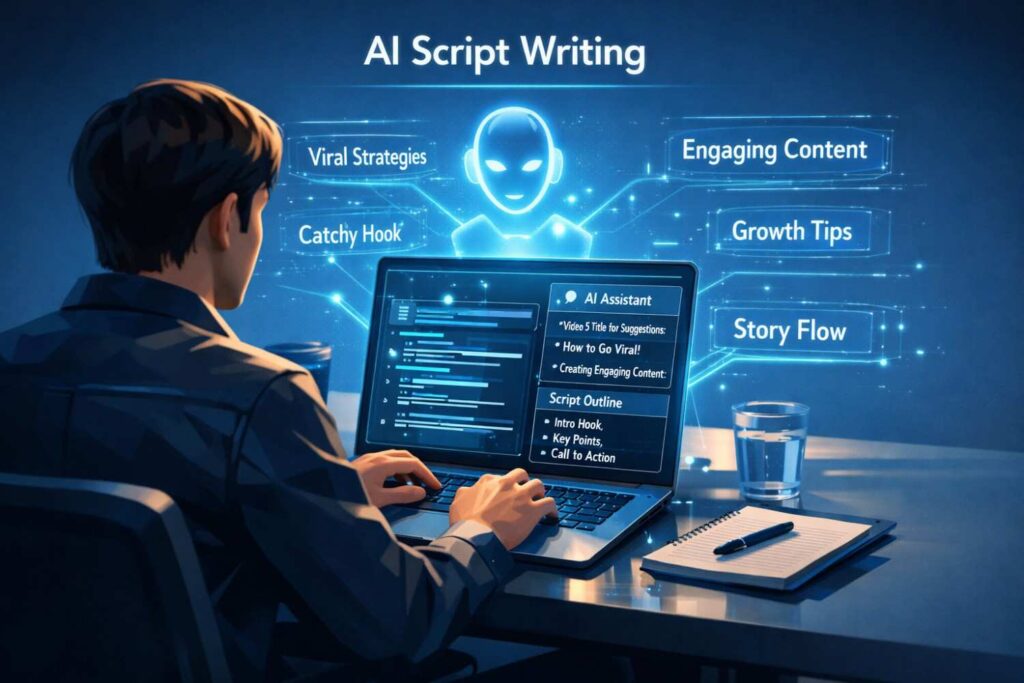
We’ve all been there. Great video. No caption. Cursor blinking. Ten minutes pass. You type “Link in bio” and call it a day.
AI writing tools fix that. They help with:
- Instagram Reels captions that actually keep people reading
- YouTube scripts when you’re stuck on structure
- LinkedIn posts that sound like you (if you train them right)
- Hooks — the first 3 seconds — because that’s all you get
Best for: Creators who overthink every word (me) and people who hate writing but need captions (also me).
2. Video Editing Tools (The Real Time-Savers)
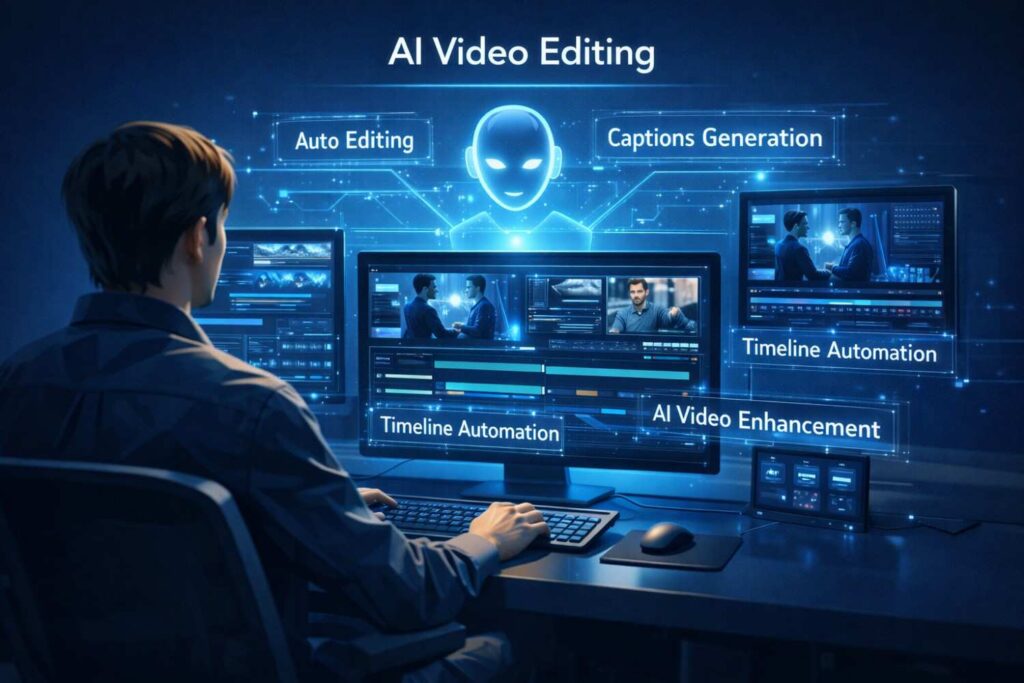
Video editing used to take me hours. Now? Less than half that.
Modern AI video tools:
Auto-cut silence and ums (bless this feature)
Generate accurate subtitles in seconds
Clip long videos into short-form content automatically
Suggest better hooks based on retention data
If you’re making video content and not using AI editing tools in 2026, you’re working a second job for free — and missing the real advantage of AI content creation.
3. Design Tools (For When Canva Feels Like Too Much Work)
I love Canva. But sometimes even dragging and dropping feels exhausting.
AI design tools now:
- Generate backgrounds that don’t look generic
- Create branded templates from a single reference
- Suggest layout improvements (like having a design friend look over your shoulder)
Professional creators use these for rapid testing. Try five thumbnail options in ten minutes instead of two hours.
4. Trend Research Tools (Stop Scrolling, Start Creating)
I used to “research trends” by doom-scrolling TikTok for two hours. Productive? Absolutely not.
AI research tools:
- Identify rising keywords before they peak
- Suggest formats that are currently working
- Predict topic demand (wild, but actually real)
This is especially powerful for YouTube, where you invest hours into a single video. Knowing people actually want the topic before you film? Priceless.
The Tools I Actually Use (And What They Cost)
Instead of listing every tool on the market (you’d fall asleep), here’s how I think about building a toolkit.
My Writing Stack
For captions and short scripts, I use tools that don’t sound like robots. The key is feeding them your old captions so they learn your voice. Most cost $20-30/month, and they save me hours weekly.
My Video Stack
For repurposing long content into shorts, this is where I save the most time. One tool turns a podcast episode into 10 clips while I sleep. Costs around $30-50/month but pays for itself in time saved.
My Design Stack
For thumbnails and quick graphics, I keep it simple. One design tool with AI features handles 90% of my needs. About $15/month.
My Analytics Stack
For knowing what’s working, this is where I invest more. Better data means better content. $50-100/month range.
Here’s the thing: You don’t need all of these at once. Start with one category that hurts most. For me, it was video editing. For you, maybe it’s writing.
Many creators use tools like Google Trends to identify what topics are actually gaining traction.
How to Choose (Without Getting Overwhelmed)
Pick Your Platform First
- Instagram creators: Focus on caption tools + design tools. Visuals and words matter equally here.
- YouTube creators: Script tools + thumbnail tools + clip tools. One video should become ten pieces of content.
- LinkedIn creators: Writing tools + idea tools. Text is still king here.
- TikTok creators: Trend tools + quick editing tools. Speed matters most.
Be Real About Your Budget
If you’re under $50/month:
Pick one writing tool and one design tool. Master those before adding more.
If you’re scaling ($100-200/month):
Add video automation and proper analytics. This is where you move from hobbyist to professional.
If you’re running an agency:
You need workflow tools that let you manage multiple clients. Different game entirely.
Know Your Comfort Level
Beginners need simplicity. Don’t buy the most complex tool because it has more features. You won’t use them — especially when starting your journey with AI content creation.
Advanced creators need customization. You want tools that integrate with each other and fit your specific workflow.
Are These Tools Actually Worth It?
Short answer: Yes. But only if you use them right.
Here’s my real-world ROI after two years:
- Time saved: 5-10 hours weekly. That’s a full work day.
- Mental energy saved: Priceless. I’m not burned out by Thursday anymore.
- More testing: I can try five hooks instead of settling for one.
- Better engagement: When you optimize based on data, people actually watch.
But here’s the truth nobody sells you: tools don’t replace thinking.
AI accelerates strategy. It doesn’t create it. If your ideas are boring, AI will just help you execute boring ideas faster.
The Downsides Nobody Talks About
I promised to be real, so here’s what frustrates me:
Over-automation feels lifeless. You can tell when someone let AI write everything. It lacks personality. Edge. Soul.
Generic AI content all sounds the same. If you use default settings, you’ll sound like everyone else using the same tool.
Platforms reward originality. Instagram and YouTube aren’t stupid. They know when content is mass-produced.
Your voice can get lost. I’ve caught myself publishing AI-generated captions that didn’t sound like me at all. Embarrassing.
The fix? Use AI as a draft assistant. Not a final decision-maker.
Write the first draft yourself, then let AI polish. Or let AI generate ten options, then pick the one that sounds most like you.
Where This Is Going (And How to Stay Ahead)
Where This Is Going (And How to Stay Ahead)
By next year, here’s what’s coming:
Predictive scoring: Tools that tell you how well a video will perform before you post it. Based on millions of data points. Wild, right? This is where AI content creation starts becoming predictive, not reactive.
Audience insights on steroids: AI that analyzes your top comments and tells you exactly which phrases to use in your next hook to resonate with YOUR specific viewers.
Seamless repurposing: One piece of content automatically reformatted for every platform. Not copy-paste, but actually optimized for each audience using AI content creation systems.
The creators who build systems now — who figure out their workflow while everyone else is still skeptical — will scale effortlessly later.
FAQs (The Ones I Actually Get Asked)
Do social media platforms penalize AI content?
Not if it’s good. Platforms care about engagement and value, not how you made it. Bad content gets penalized. Good content wins. That’s it.
Are free tools enough?
For starting out, yes. But free tools have limits. When you’re spending 10+ hours weekly on content, paying $30/month to save 5 hours is a no-brainer.
Can AI replace creators?
No. And if anyone tells you otherwise, they’re selling something. AI has no life experience. No unique perspective. No stories only you can tell. That’s your job.
What’s the one tool I should start with?
Whatever solves your biggest headache. If writing captions makes you want to quit, start there. If editing takes forever, start there. Don’t buy tools for problems you don’t have.